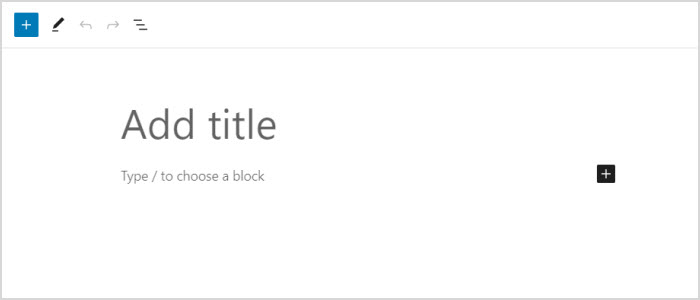
by aileen | Apr 25, 2018 | Editing Website Content, WordPress Block Editor
Previously published as “Writing with Gutenberg” When you add a new post or page, you will see the Block Editor screen, ready for you to enter content. A “Welcome” help dialogue may be shown, on first using the editor. If you wish to see this...
by aileen | May 14, 2016 | Editing Website Content
This is cute – just by including the link on a new line in the WordPress editor, I can embed a nice little extract of a post or page from my own site. How to Schedule Posts in the Future And I can embed a similar extract from any other WordPress site....
by aileen | Jan 23, 2013 | Editing Website Content
for WordPress Version 3.5 or later. A gallery is a set of images displayed in a post or page as thumbnails, which you can click on to display a larger image. Including a gallery is a very simple process in WordPress and WordPress 3.5 brings a lot of control and...
by aileen | May 24, 2012 | Editing Website Content
Here’s how to add new photos to a Page or Post which displays an existing Gallery within WordPress. 1. Upload the new images If your post or page already contains a gallery, you’ll see an image like this within the WordPress editing box:- To add a new...
by aileen | Apr 13, 2011 | Editing Website Content
for WordPress Version 3.1 or later. The easiest way to add video to a WordPress post or page is to do it via YouTube. YouTube takes care of hosting the video files and managing file formats – whatever format your video is in, YouTube will convert it so...
by aileen | Oct 12, 2010 | Editing Website Content
Here’s a question from one of my WordPress clients:- How do I control which is the front page of my website? WordPress basically has two options for that front (or home) page:- it can be a specific page that you select it can be the front page of your blog,...