by aileen | Aug 4, 2018 | Editing Website Content, Setting Up a WordPress Site, WordPress Block Editor
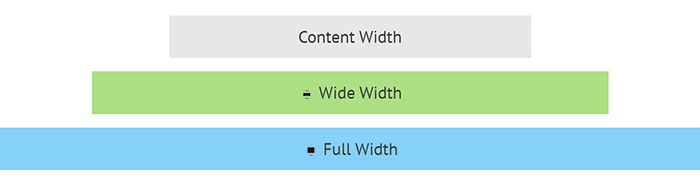
previously published as “Gutenberg Blocks – Wide Alignment and Full-width” The Block Editor (Gutenberg) introduces some new and interesting alignment options:- wide-alignment full-width These options require that your theme explicitly supports them. ...

by aileen | Jul 27, 2018 | Editing Website Content, WordPress Block Editor
previously published as “Gutenberg Blocks – Video, Audio and Embeds” Adding video or audio with the Block Editor is fairly intuitive and perhaps a clearer and simpler process than with the classic WP editor. Audio The Audio block allows you to upload...
by aileen | May 31, 2018 | Editing Website Content, WordPress Block Editor
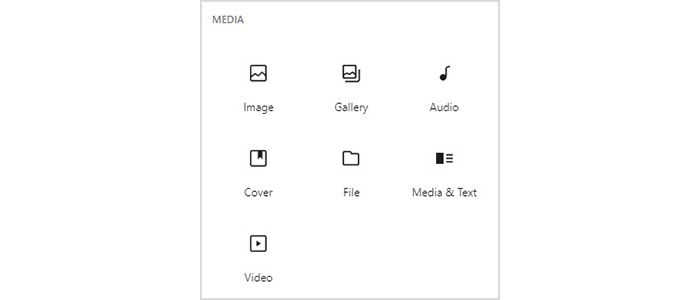
previously published as “Gutenberg Blocks – Images” These are the standard Block Editor image blocks:- image inline image gallery cover image media and text Image Choosing an Image block allows images to be added from your computer or from the media...
by aileen | May 4, 2018 | Editing Website Content, WordPress Block Editor
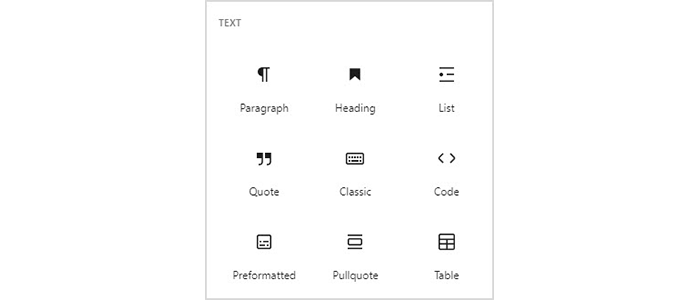
previously published as “Gutenberg Blocks – Text and Formatting” Let’s take a look at each of the standard blocks provided with the Block Editor (previously known as the Gutenberg editor). First, the more typical blocks which deal with...
by aileen | Apr 25, 2018 | Editing Website Content, WordPress Block Editor
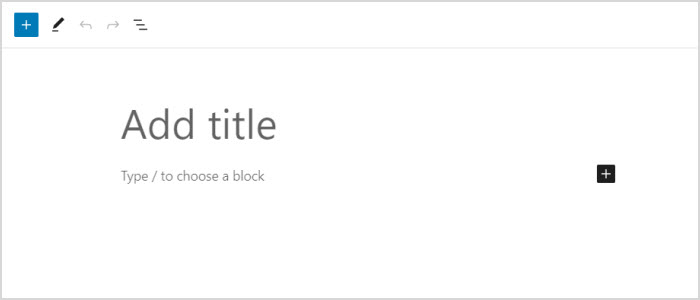
Previously published as “Writing with Gutenberg” When you add a new post or page, you will see the Block Editor screen, ready for you to enter content. A “Welcome” help dialogue may be shown, on first using the editor. If you wish to see this...